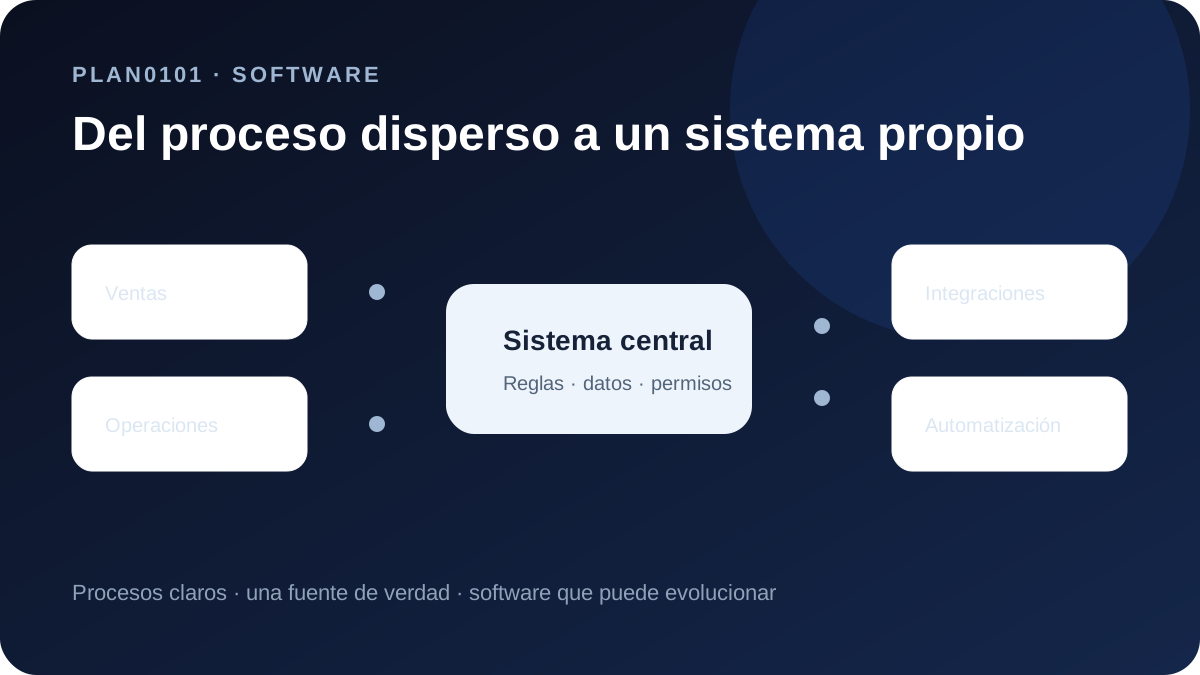
The problem is not spreadsheets; it is operational dependency
Spreadsheets are excellent flexible tools. They become risky when they act as database, permissions system, workflow engine, audit history and operational dashboard at the same time. That is when duplicate versions and manual reconciliation begin to define the process.
Migration should not start by recreating columns in a web interface. Start by identifying business entities, states, owners and rules that currently live in formulas, colors or the memory of a few people.
- Multiple copies of the same file.
- Data re-entered across systems.
- Permissions based on file access.
- Reports that require manual cleanup.
- Workflows that depend on remembering which row to update.
Map one complete workflow before designing screens
Choose a complete journey such as customer onboarding, order approval or case management. Identify inputs, owners, states, exceptions and outputs before discussing UI.
This produces a data model that reflects the business rather than the accidental structure of a spreadsheet that has evolved for years.
- Primary entity and required data.
- Valid states and transitions.
- Roles and permissions.
- Automatic rules and validation.
- Events that must notify people or other systems.
Migrate gradually with an explicit source of truth
Large migrations rarely require a full cutover on day one. A safer approach is to select one workflow, import real samples, validate behavior and then expand. During transition, the authoritative system for each field must be clear.
If spreadsheets remain active temporarily, avoid uncontrolled dual editing. Coexistence can be temporary, but ownership of data cannot be ambiguous.
- Test real data before bulk import.
- Define duplicate and incomplete-record rules.
- Audit sensitive changes.
- Plan rollback or import correction.
- Retire old workflows gradually.
Reduce coordination rather than digitizing it
If the new system requires the same copying and chasing, it has only wrapped the spreadsheet in a web UI. Value appears when the system validates, notifies, integrates and makes process state visible.
A useful first release should remove at least one complete source of friction: duplicate entry, manual follow-up, missing visibility or recurring report consolidation.
- Less duplicate data entry.
- Shared process visibility.
- Validation before errors propagate.
- Event-based alerts.
- Reporting from structured data.
Frequently asked questions
When should a company replace spreadsheets with internal software?
When spreadsheets coordinate a critical workflow, multiple people edit them, data is re-entered elsewhere, permissions are weak or reporting requires recurring manual work.
Do we need to migrate all historical data?
Not always. Migrate the history required for operations, reporting or audit and archive the rest in an accessible form.
Can migration happen without downtime?
Usually yes, through workflow-by-workflow migration, real-data validation, explicit source-of-truth rules and controlled coexistence.
Turn a critical spreadsheet into a clearer workflow
Tell PLAN0101 which file or process currently holds the operation together and we can define a useful first migration.
Evaluate the workflow